In this guide check out how to change WeChat name associated with your WeChat ID been displayed on your phone.
If you are new on to WeChat, the social network app that your friends are using, then here is our 101 guide on WeChat. Once you get used of WeChat you might no longer need this reference guide as you will be by then a WeChat geek.
Change WeChat Name
Finding it hard to change the WeChat name of your account? Here in this guide of WeChat we go through guide on how to change the weChat name associated with your account or number.
Follow the simple guide on your Android phone –
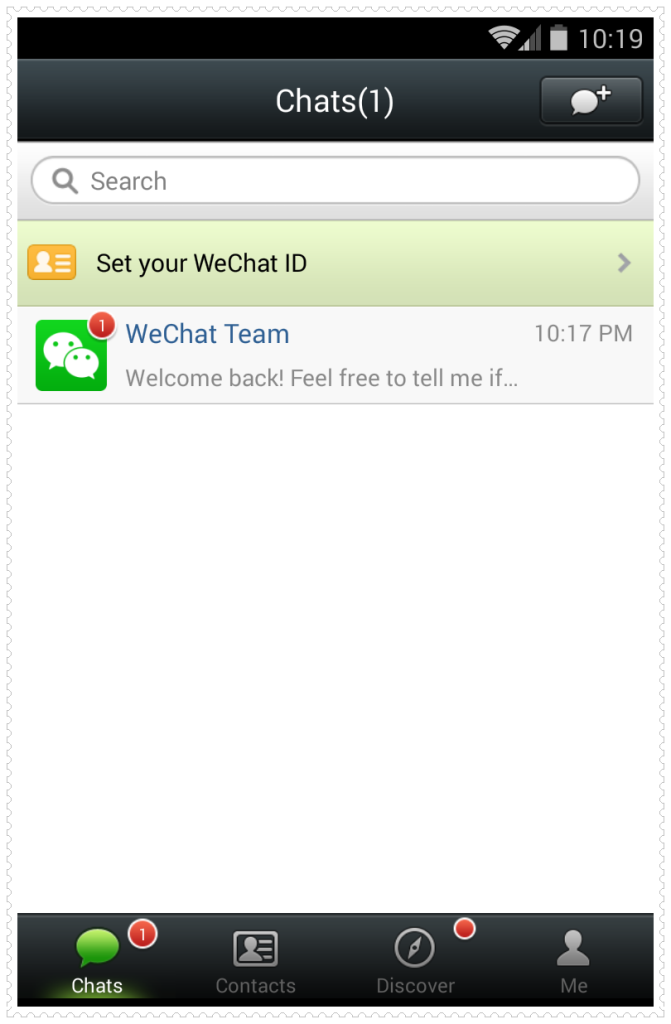
- First tap on Me and hit your name just adjacent to photo displayed.
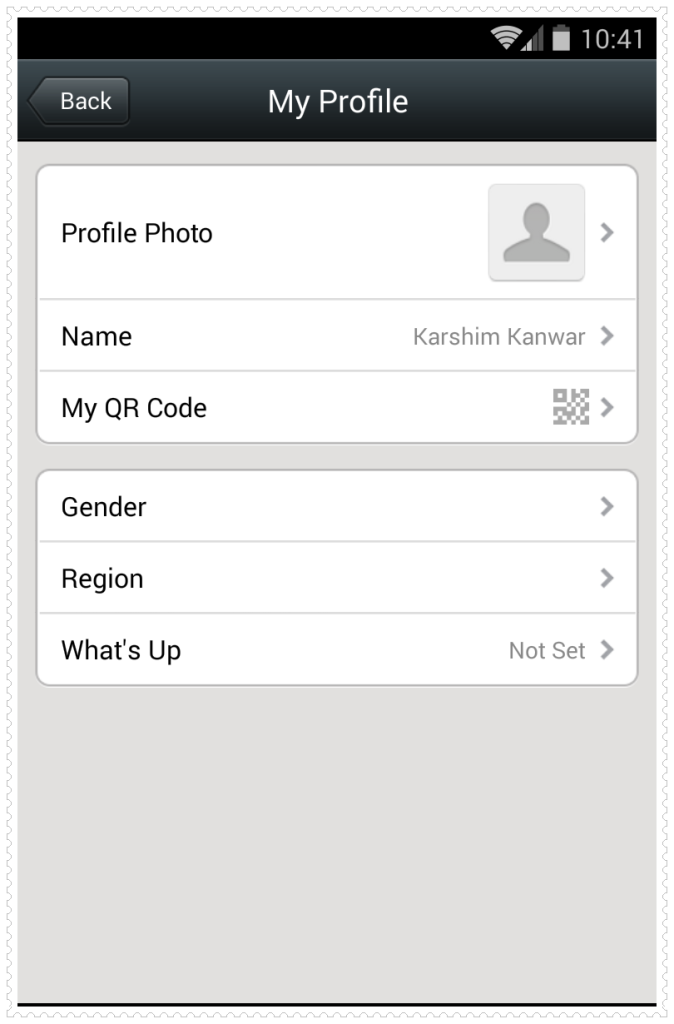
- This will take you to My Profile page. Now click on Name.
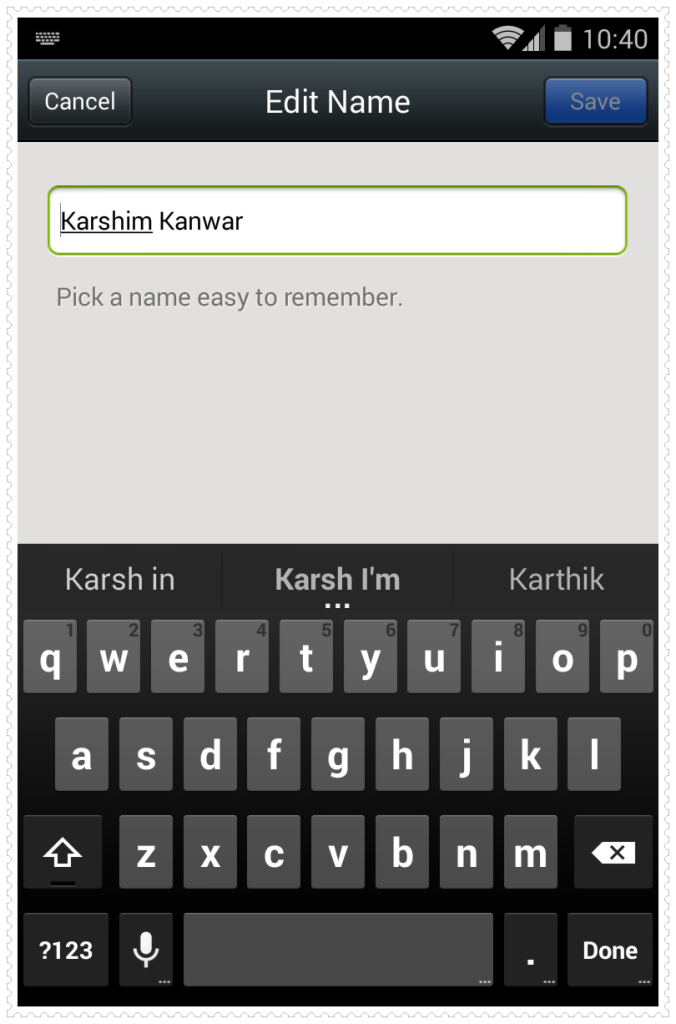
- In the Next popup provide your name and hit Done.
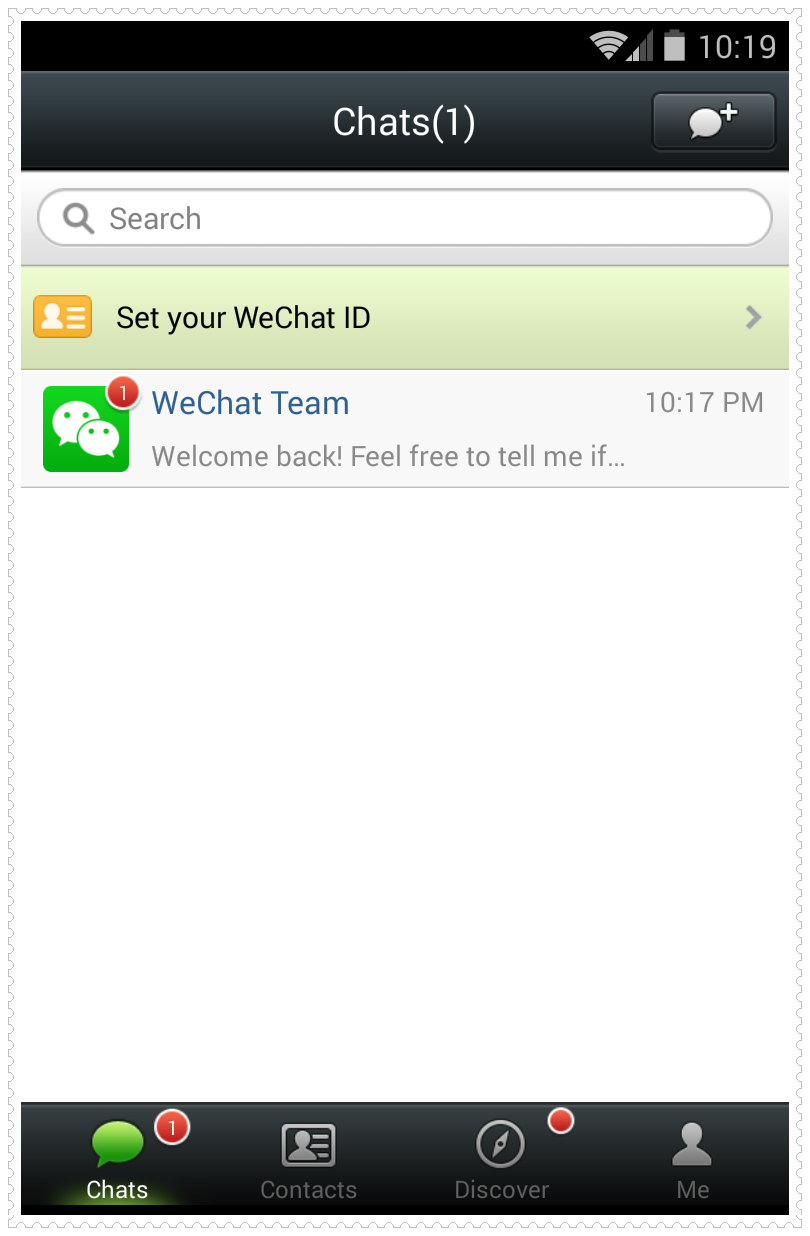
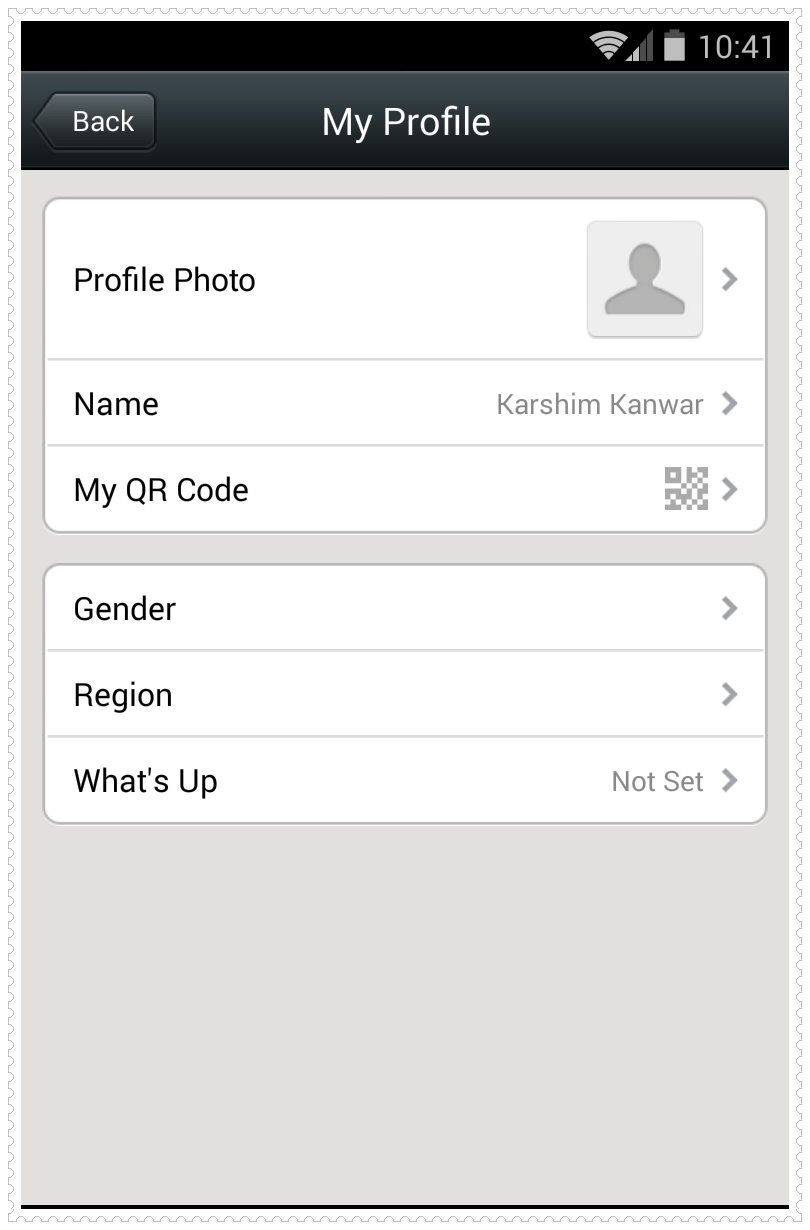
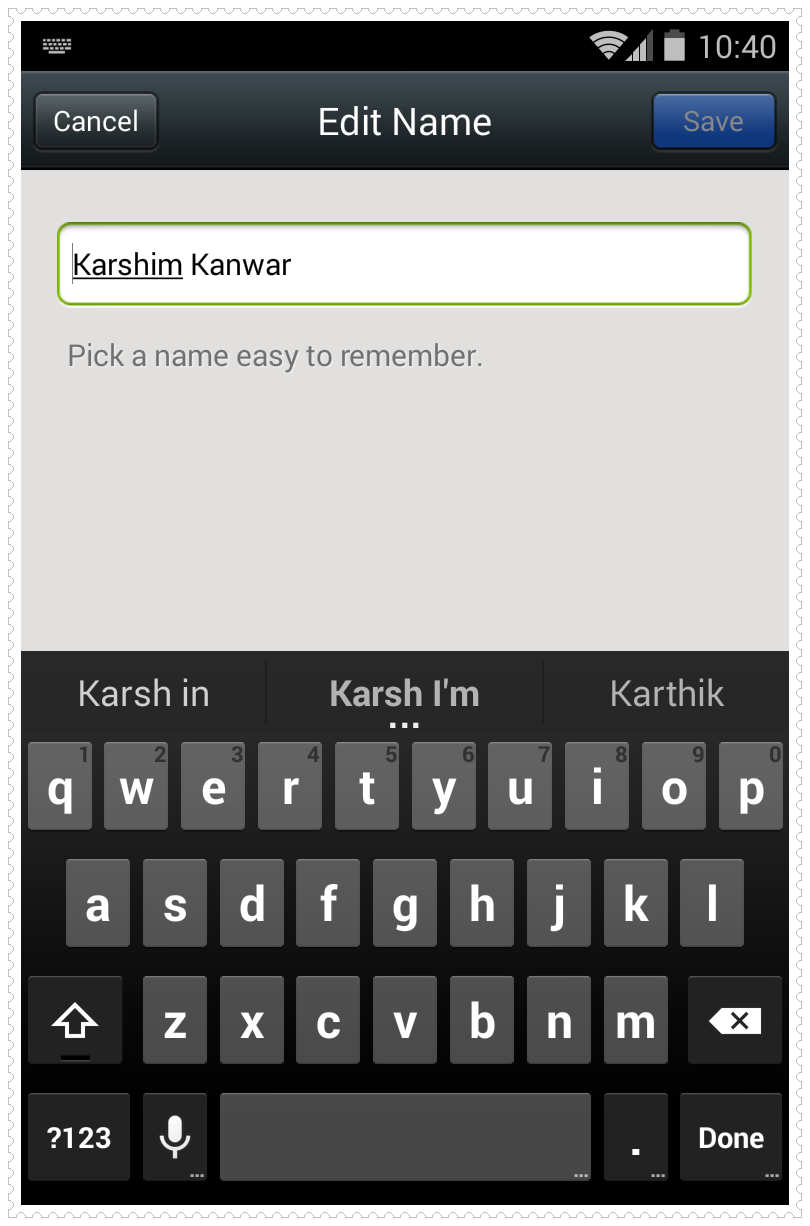
So that will change the name associated with your WeChat account.
Note: This guide works for Galaxy S4, Galaxy Note 3, iPhone 5S, 5C, iPhone 5 and all the iPhone, iPad, Windows Phone, Android Phones, Symbian phones, BlackBerry Phones/tablets as well.
If you have found this guide helpful then please consider sharing it with your friends on Facebook, Twitter, Google+ and Vk.com.
michelle says
If i change a contact`s displayed name or tag him on my contact list, will he know?
Karshim Kanwar says
Yes, he will!
elaine says
how to change friend’s name in we chat?
how to delete unwanted friend’s name in we chat?